 EnglishFlow AI
Translate any word on any website with a double-click
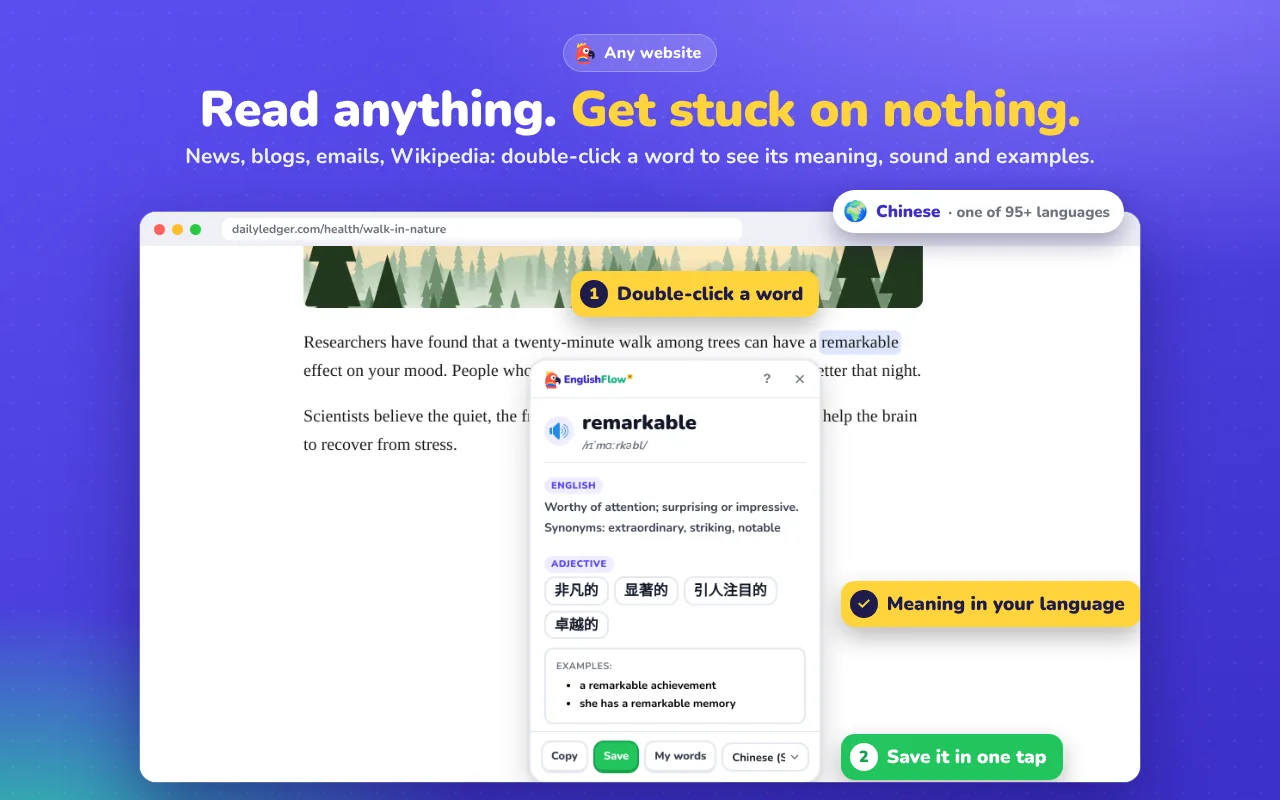
Reading in English is easier when you don't have to copy words into a translator. Double-click a word and EnglishFlow AI shows its meaning right where you are.
How it works
Double-click any English word on a news site, blog, Wikipedia page, online course or almost any other website. A small box shows the meaning in your language, the English definition, synonyms and real example sentences. Press Esc to close it.
Why it's better than a translator tab
- You stay on the page and keep reading.
- You see the word in its sentence, which helps you remember it.
- You can save it and review it later, instead of looking up the same word again next week.
Build vocabulary while you read
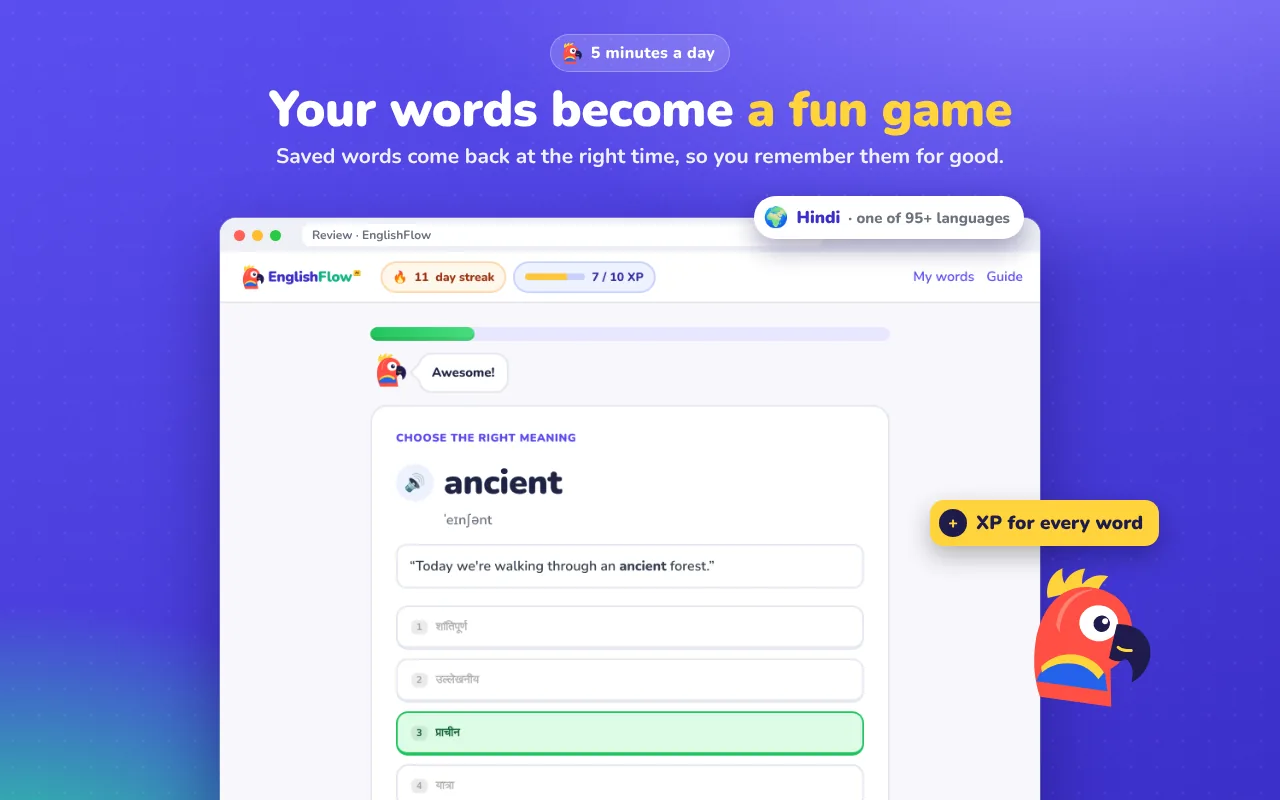
Every word you save is kept with its sentence. A short daily review with flashcards and quizzes brings words back with spaced repetition, so reading turns into lasting vocabulary.
Frequently asked questions
Does it translate whole pages?
It's built for learning, so it focuses on the words you click, with meanings, examples and pronunciation.
Which languages are supported?
You can see meanings in more than 95 languages.
Does it work on PDFs?
It works on regular web pages. Support depends on how the PDF is displayed in the browser.
Try it on your next episode
Free to start. Works on Netflix, YouTube and any website.
Add to Chrome, it's free